
Services
Systems & Servers
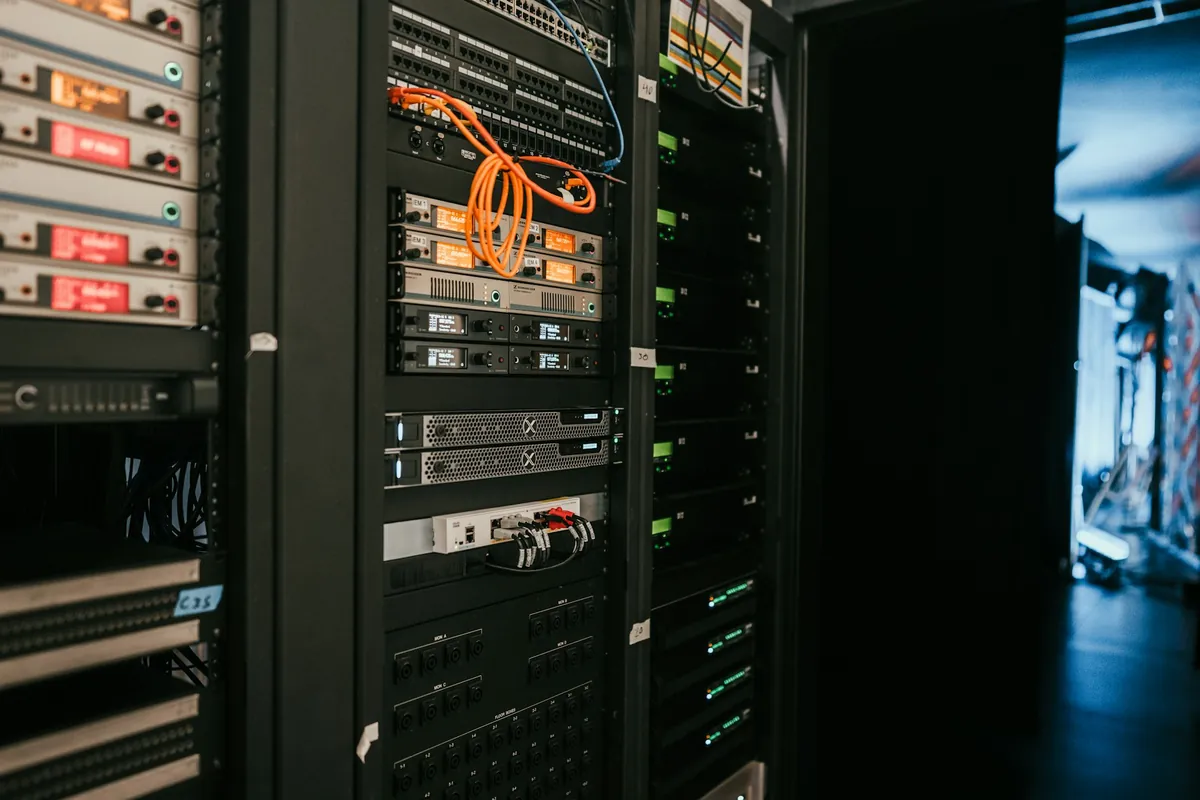
We install, configure and optimize server environments, operating systems and core enterprise infrastructure — supporting Linux, Windows Server, network services, databases and virtualization.
Key capabilities
- Linux
- Windows Server
- Active Directory
- VMware / Proxmox
Technologies & platforms we work with































Overview
We build, configure and manage the servers and systems your business relies on: Windows Server, Linux, Active Directory, virtualization, file and backup servers. Our goal is stable, secure systems, central control of users and permissions, and an infrastructure that is easy to scale and recover.
Linux
Installing and configuring Linux for its role in the infrastructure.
Windows Server
Installing, configuring and managing Windows Server environments.
Active Directory
Managing users, policies and permissions across the organization.
VMware
Virtualization solutions built on VMware.
Proxmox
Virtualization and virtual environment management with Proxmox.
Server Migration
Moving servers and systems in an organized, low-risk way.
DHCP
Managing and distributing network addresses across the organization.
DNS
Configuring and managing DNS to connect systems and services.
SQL / Databases
Running and managing database environments where needed.
File Server & Shared Folders
File servers and shared folders with managed permissions.
About Systems & Servers
Servers and Systems That Run Reliably and Are Easy to Manage
In many organizations, one old server runs everything: accounts, files, applications and backups. That works until the day the server fails and the whole business stops. We start by reviewing your current systems, their roles and risks, then design an architecture that separates roles and removes single points of failure.
We deploy servers with clear roles, build an organized Active Directory with Group Policy that applies settings and security to every device automatically, and use virtualization to run more systems on less hardware with more flexibility. When moving legacy systems we work from a written plan and test before cut-over to keep downtime to a minimum.
After go-live we harden the servers, switch on monitoring and regular updates, and tie everything to a tested backup and restore plan. The result: systems that run reliably, users and permissions under control, and an infrastructure that grows without surprises.
From Assessment to Operation
How We Work
- 01
Site Assessment
We understand your current setup, problems, needs and operating constraints.
- 02
Design
We define the right solution for your facility, planned for growth and budget.
- 03
Implementation
We install the servers, configure roles and permissions, then migrate data and systems.
- 04
Testing & Documentation
We test performance and document the infrastructure and settings before handover.
- 05
Support
We stay with you through TLC Care for maintenance, monitoring and upgrades.
More services
Related services.
IT Infrastructure & Cabling
Server rooms, racks, power and UPS, structured cabling and fiber.
IT Infrastructure Design / Server Room Design / Network Rack DesignVirtualization
Virtual environments on VMware and Proxmox for efficient, easy-to-manage servers.
VMware / Proxmox / LinuxNetwork Infrastructure
Wired and wireless networks, branch links, VLAN, VPN, SD-WAN and monitoring.
Network Design / LAN / WAN / VLAN DesignBackup & Disaster Recovery
Local and cloud backup, disaster recovery and restore testing.
Backup Strategy / Local Backup / Cloud BackupFAQ
Good to know.
Do we need Active Directory with a small team?
Even with a few employees, central management of accounts, passwords and permissions saves time, improves security and makes onboarding and offboarding simple.
What are the benefits of virtualization?
Running several servers on one or more hosts reduces hardware and power costs and speeds up backup, recovery and moving systems between hardware.
How do you migrate an old server without losing data?
We inventory services, data and permissions, prepare the new server, migrate and test before the final cut-over — with a full backup taken first.
Do you work with both Windows and Linux?
Yes. We choose the right platform for each system based on the software in use, cost and your team's skills.
Are Your Servers Ready for Your Growth?
Tell us which systems you run today and how many users you have. We will help you decide what needs upgrading or organizing.